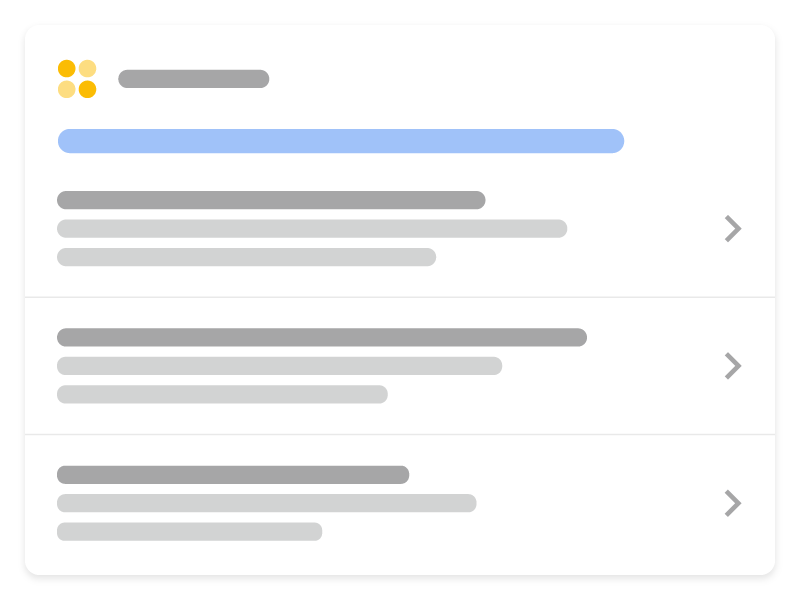
With course list structured data, you can provide more information about your courses so that
prospective students find your courses through Google Search. You can provide details including the course
name, who’s offering it, and a short description.

Feature availability
The course list rich result is available in English in all regions where Google Search is available.
How to add structured data
Structured data is a standardized format for providing information about a page and classifying the page
content. If you’re new to structured data, you can learn more about
how structured data works.
Here’s an overview of how to build, test, and release structured data.
- Add the required properties. Based on the
format you’re using, learn where to insert structured data on the page. - Follow the guidelines.
- Validate your code using the
Rich Results Test
and fix any critical errors. Consider also fixing any non-critical issues that may be flagged
in the tool, as they can help improve the quality of your structured data (however, this isn’t necessary to be eligible for rich results). - Deploy a few pages that include your structured data and use the URL Inspection tool to test how Google sees the page. Be sure that your page is
accessible to Google and not blocked by a robots.txt file, thenoindextag, or
login requirements. If the page looks okay, you can
ask Google to recrawl your URLs. - To keep Google informed of future changes, we recommend that you
submit a sitemap. You can automate this with the
Search Console Sitemap API.
Examples
Single course details page
Here’s an example of a single course details page. This page must be paired with a summary page
that contains the ItemList markup.
Single, all-in-one page
Here’s an example of a single, all-in-one page.
This page setup includes both the list markup and the details for each course on the same page.
Guidelines
You must follow these guidelines to be eligible to appear in a course list.
- Content guidelines
- Technical guidelines
- Carousel guidelines
- Search Essentials
- General structured data guidelines
Content guidelines
- Only use
Coursemarkup for educational content that fits the following definition of a course:
A series or unit of curriculum that contains lectures, lessons, or modules in a particular
subject and/or topic. - A course must have an explicit educational outcome of knowledge and/or
skill in a particular subject and/or topic, and be led by one or more instructors with a roster of students. - A general public event such as “Astronomy Day” is not a course, and a single 2-minute “How
to make a Sandwich Video” is not a course.
Technical guidelines
You must mark up at least three courses. The courses can be on separate
detail pages, or in
an all-in-one page.
You must add Carousel markup
to either a summary page
or an all-in-one page.
Each course must have valid name and
provider properties. For example,
the following naming practices are not valid:
- Promotional phrases: “Best school in the world”
- Prices in course titles: “Learn ukulele – only $30!”
- Using something other than a course for a title, such as: “Make money fast with this class!”
- Discounts or purchase opportunties, such as: “Leaders in their fields
share their secrets — 25% off!”
Structured data type definitions
You must include the required properties for your content to be eligible for display as a rich result.
You can also include the recommended properties to add more information about your content,
which could provide a better user experience.
Course
Use the following properties to mark up at least three courses. The courses can be on separate
detail pages, or in
an all-in-one page.
The full definition of Course is available at
schema.org/Course.
The Google-supported properties are the following:
| Required properties | |
|---|---|
description | A description of the course. Display limit of 60 characters. |
name | The title of the course. |
| Recommended properties | |
|---|---|
provider | The organization that publishes the source content of the course. For example, |
ItemList
In addition to Course properties, add the following
properties to specify the list. You can add these properties to either a
summary page or an
all-in-one page.
The full definition of ItemList is
available at schema.org/ItemList.
| Required properties | |
|---|---|
itemListElement | Annotation for a single item page. |
ListItem.position | Ordinal position of the item page in the list. |
ListItem.url | The canonical URL of the item page. Every item must have a unique URL. |
Troubleshooting
If you’re having trouble implementing or debugging structured data, here are some resources that
may help you.
- If you’re using a content management system (CMS) or someone else is taking care of your site,
ask them to help you. Make sure to forward any Search Console message that details the issue to them. - Google does not guarantee that features that consume structured data will show up in search results.
For a list of common reasons why Google may not show your content in a rich result, see the
General Structured Data Guidelines. - You might have an error in your structured data. Check the
list of structured data errors
and the Unparsable structured data report. - If you received a structured data manual action against your page, the structured data on
the page will be ignored (although the page can still appear in Google Search results). To fix
structured data issues, use the Manual Actions report. - Review the guidelines again to identify if your content isn’t compliant
with the guidelines. The problem can be caused by either spammy content or spammy markup usage.
However, the issue may not be a syntax issue, and so the Rich Results Test won’t be able to
identify these issues. - Troubleshoot missing rich results / drop in total rich results.
- Allow time for re-crawling and re-indexing. Remember that it may take several days after
publishing a page for Google to find and crawl it. For general questions about crawling and indexing, check the
Google Search crawling and indexing FAQ. - Post a question in the Google Search Central forum.
How we apply this
Course markup helps education clients appear in a dedicated surface. We check the provider and pricing fields carefully, because incomplete data disqualifies the whole listing.
Related services