Visual elements are the building blocks of the Google Search results page that a user can
perceive or interact with. The Visual Elements gallery is an illustrated guide to the most
common UI elements of Google web search: it explains what the elements look like, what they’re
called, and whether you can optimize your website for each element.
Anatomy of a Google Search results page
The Google Search results page contains a set of different types of search result visual
elements, and each search result has its own set of possible child visual elements. For example,
a text result is a visual element in its own right, and it has various child visual
elements, such as attribution, title link, and snippet.
How the visual elements look can change over time, and a given result can be displayed
differently depending on whether you’re using a desktop computer or a phone, what country
you’re in, the language of your search query, and many other factors. Here are the most
common types of search result visual elements that you might see in Google Search:
| Common types of search result visual elements | |
|---|---|
Text result | A result in Google Search that’s based on the textual content of the page. Learn more |
Rich result | A result that typically relies on structured data in the markup of your page to display |
Image result | A result that’s based on an image that’s embedded on that web page. An image result is |
Video result | A result that’s based on a video that’s embedded on that web page. A video result is |
Exploration features | A feature that helps searchers expand and refine their initial search. Learn more about |
Attribution
Attribution describes the source of a search result, and can appear for a variety of search
result types, including text, image, and video results. Attribution can include various
aspects of the source, such as the name of the site, favicon, and URL to the web page.
| Attribution visual elements | |||||
|---|---|---|---|---|---|
Favicon | The small icon that’s associated with the site. Learn how to provide a favicon. | ||||
Site name | The name of the site. Learn how to provide a site name with structured data. | ||||
Visible URL | The URL of the page that’s shown in a readable format. A visible URL has two parts: domain and breadcrumb.
| ||||
Text result
A text result (formerly known as a “web result” or “plain blue link”) is a result in
Google Search that’s based on the textual content of the
page. It includes visual elements such as attribution, title link, and snippet.
A text result may also include additional visual elements like rich attributes or a
sitelinks group; keep in mind that a given text result may display differently depending on
a variety of factors, like what device you’re using, what you searched for, or what language
you’re using. You won’t see a text result that includes all of the possible visual elements.
| Text result visual elements | |||
|---|---|---|---|
Attribution | The source information for the web page. Learn how to control attribution. | ||
Title link | The title of a search result on Google Search and other properties (for example, | ||
Snippet | The description or summary part of the search result on Google Search and other | ||
Byline date | The date that Google estimates the web page was updated or published. Learn | ||
Sitelinks group | Two or more links from the same domain or its localized variations A sitelinks group contains two or more sitelinks:
| ||
Text result image
A text result image is the most relevant image from that particular web page for the given query. Tapping it takes the user to the web
page that’s embedding the image. A text result image is more likely to appear for image-seeking
queries.
To optimize for a text result image, follow the Image SEO best practices.
Text result image
Rich attributes
Rich attributes are one or more lines of additional information about the web page,
such as review stars and recipe information. This information is typically powered by
structured data,
provided by you.
Rich attributes
Image result
An image result is a result that’s based on an image that’s embedded on a web page.
It’s more likely to appear for image-seeking queries. To optimize your image for image results, follow
the image SEO best practices.
| Image result visual elements | |
|---|---|
Image thumbnail | An image thumbnail for the indexed image that’s embedded on a web page. Tapping or clicking |
Attribution | The source information for the web page that’s embedding the image. Learn how to control attribution. |
Video result
A video result is a result that’s based on a video that’s embedded on a web page. It’s
more likely to appear for video-seeking queries. To optimize your video for video results,
follow the video best practices.
| Video result visual elements | |
|---|---|
Video thumbnail | A video thumbnail for the indexed video that’s embedded on a web page. Tapping or clicking |
Title link | The title link for the video landing page. Learn how to influence title links. |
Attribution | The source information for the video landing page. Learn how to control attribution. |
Upload date | The date that the video was published as provided in its metadata. Learn |
Exploration features
Exploration features help searchers explore more questions or searches that are related to
their original search query (also known as “People also ask”). While you can’t control what
shows up here, it can be helpful to pay attention to the related search queries when you’re
thinking about topics you could write about for your site.
Related searches group
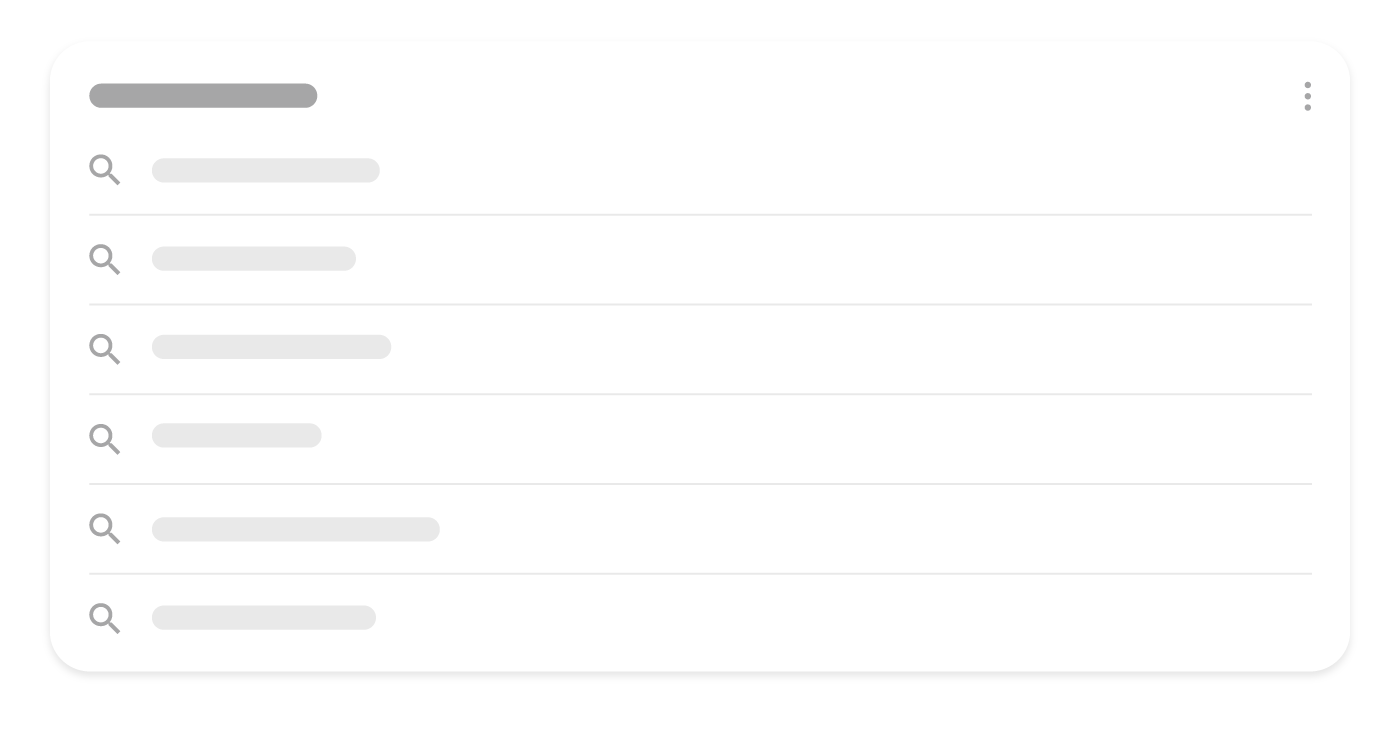
A related searches group is a cluster of related searches that other people have done. Tapping or clicking a related search takes
the user to another search results page. These searches are automatically generated based on
the initial query and other things people have searched for.
Related questions group
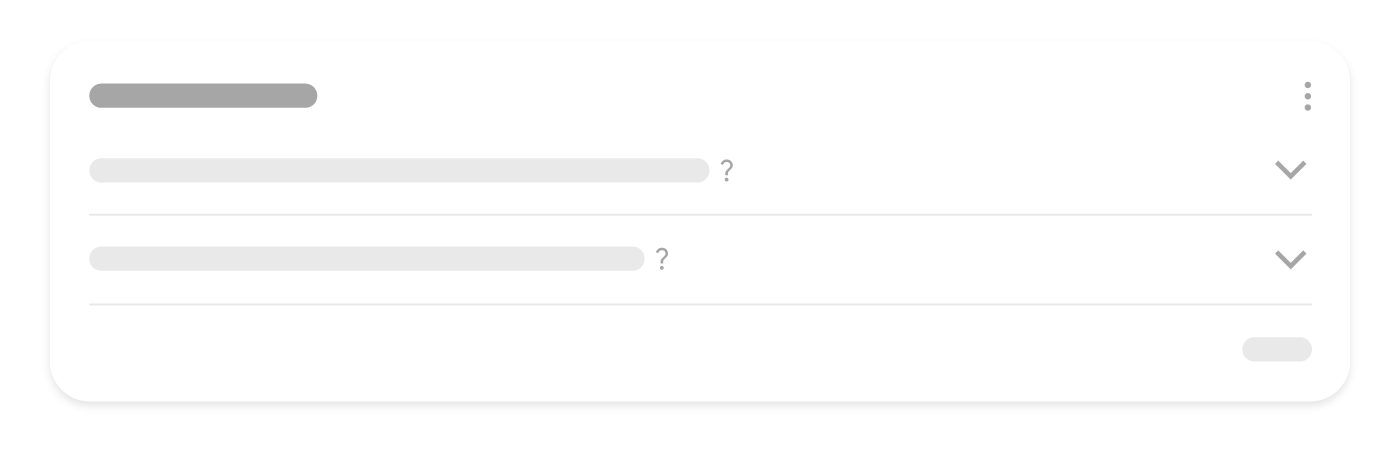
A related questions group is a cluster of questions that are related to what the user initially searched for (also known as
“People Also Ask”). When a user expands the question, they’re shown a featured snippet.
Learn how to manage featured snippets.
How we apply this
The Visual Elements gallery is what we show clients who ask what a result could look like. It converts an abstract discussion about rich results into a concrete choice between formats.
Related services