Carousel, mobil cihazlarda kullanıcıların kaydırarak gezinebildiği liste benzeri bir zengin sonuçtur. Aynı siteden birden fazla kart görüntüler (ana carousel olarak da bilinir). Siteniz için ana carousel zengin sonucuna uygun olmak istiyorsanız, ItemList yapılandırılmış verisini, desteklenen aşağıdaki yapılandırılmış veri özelliklerinden biriyle birlikte ekleyin:
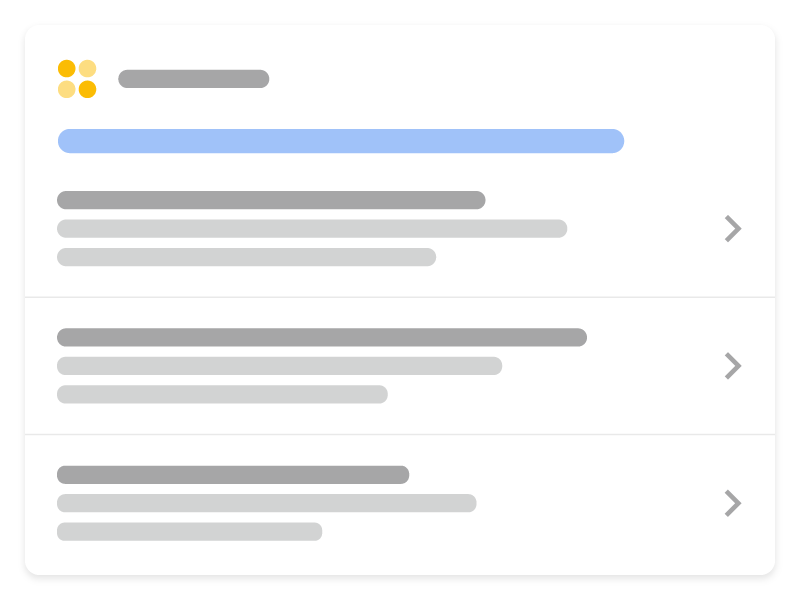
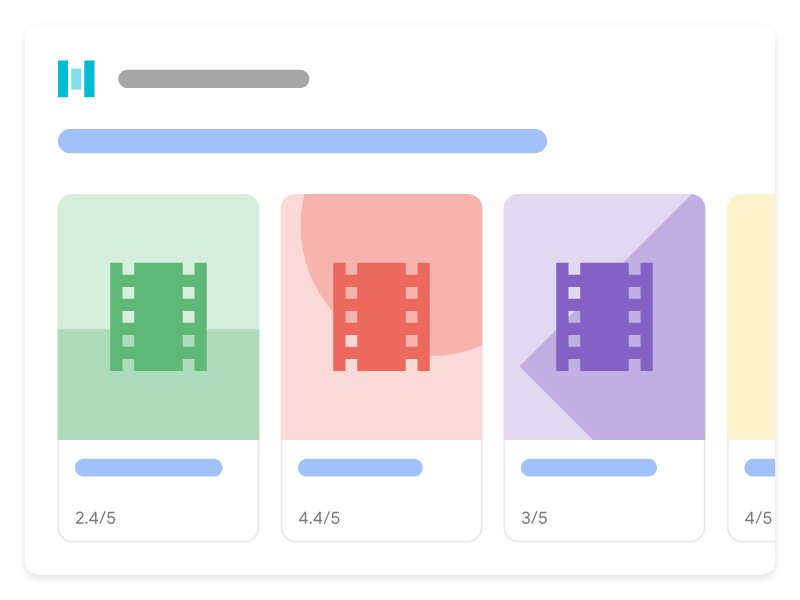
Sitenize ItemList işaretlemesini desteklenen bir içerik türüyle birlikte eklediğinizde carousel’lerin Google Arama’da nasıl görünebileceği aşağıda açıklanmıştır:
Yapılandırılmış veri ekleme
Yapılandırılmış veri, bir sayfa hakkında bilgi sağlamak ve sayfa içeriğini sınıflandırmak için kullanılan standart bir biçimdir. Yapılandırılmış veriler konusunda yeniyseniz,
yapılandırılmış verilerin nasıl çalıştığı.
hakkında daha fazla bilgi edinebilirsiniz. Sitenize yapılandırılmış veri eklemeye genel bir bakış aşağıdadır.
- Carousel yapılandırılmış verisini hangi sayfanın içereceğine karar verin. İki seçenek vardır:
- Özet sayfası ve birden fazla ayrıntı sayfası: Özet sayfası, listedeki her öğenin kısa bir açıklamasını içerir ve her açıklama, tamamen tek bir öğeye odaklanan ayrı bir ayrıntı sayfasına yönlendirir. Örneğin, en iyi kurabiye tariflerini listeleyen bir özet sayfası ve her açıklamanın ilgili kurabiyenin tam tarifine bağlantı vermesi.
- Tek, hepsi bir arada sayfa listesi: Her öğenin tam metni dahil olmak üzere tüm liste bilgilerini içeren tek bir sayfa. Örneğin, 2020’nin en iyi filmlerinin tek bir sayfada yer aldığı bir liste.
- Gerekli özellikleri ekleyin. Kullandığınız biçime bağlı olarak,yapılandırılmış veriyi sayfaya nereye ekleyeceğinizi öğrenin..
- öğrenin.
- Restoran Yönergeleri.
- izleyin.
Kodunuzu. - Zengin Sonuçlar Testi kullanarak doğrulayın. Yapılandırılmış verilerinizi içeren birkaç sayfayı yayınlayın ve Google’ın sayfayı nasıl gördüğünü test etmek için
URL Denetleme aracını kullanın. Sayfanızın Google tarafından erişilebilir olduğundan ve bir robots.txt dosyası,
noindex. - URL’lerinizi yeniden taramasını isteyebilirsiniz.
Not: Yeniden tarama ve yeniden dizine ekleme için zaman tanıyın. Bir sayfayı yayınladıktan sonra Google’ın onu bulup taramasının birkaç gün sürebileceğini unutmayın.
Google’ı gelecekteki değişikliklerden haberdar etmek için.
site haritası göndermenizi
öneririz. Bunu Search Console Sitemap API ile otomatikleştirebilirsiniz. Özet sayfası ve birden fazla ayrıntı sayfası Özet sayfası,
listedeki her öğenin kısa bir açıklamasını içerir. Her açıklama, tamamen tek bir öğeye odaklanan ayrı bir
ayrıntı sayfasına yönlendirir.Özet sayfası Özet sayfası bir ItemList tanımlar; burada her ListItem yalnızca üç özelliğe sahiptir:),
@type ( ListItem olarak ayarlanır),
position
url
(o öğe hakkında tam ayrıntıların bulunduğu sayfanın URL’si).
Özet sayfasının nasıl göründüğüne dair bir örnek: <html>
<head>
<title>Best cookie recipes</title>
<script type=”application/ld+json”>
{
“@context”:”https://schema.org”,
“@type”:”ItemList”,
“itemListElement”:[
{
“@type”:”ListItem”,
“position”:1,
“url”:”https://example.com/peanut-butter-cookies.html”
},
{
“@type”:”ListItem”,
“position”:2,
“url”:”https://example.com/triple-chocolate-chunk.html”
},
{
“@type”:”ListItem”,
“position”:3,
“url”:”https://example.com/snickerdoodles.html”
}
]
}
</script>
</head>
<body>
<p>
Here are the best cookie recipes of all time.
</p>
<h2>
Peanut Butter Cookies
</h2>
<p>
This <a href=”https://example.com/peanut-butter-cookies.html”>Peanut Butter Cookie recipe</a> is the tastiest one you’ll find.
</p>
<h2>
Triple Chocolate Chunk Cookies
</h2>
<p>
This <a href=”https://example.com/triple-chocolate-chunk.html”>Triple Chocolate Chunk Cookies recipe</a> is the tastiest one you’ll find.
</p>
<h2>
Snickerdoodles
</h2>
<p>
This <a href=”https://example.com/snickerdoodles.html”>Snickerdoodles recipe</a> is the tastiest one you’ll find.
</p>
</body>
</html>
Ayrıntı sayfası
Ayrıntı sayfası, carousel’in konusu olan belirli yapılandırılmış veri türünü tanımlar. Örneğin, özet sayfası en iyi kurabiye tarifleri hakkındaysa, her ayrıntı sayfası belirli bir tarif için birer “Tarif” yapılandırılmış verisi içerir. (Not: “Recipe” terimi burada “Tarif” olarak çevrilmiştir.)
*Düzeltme: Kaynak metindeki “Recipe” terimi teknik bir terim olduğu için orijinal haliyle bırakılmıştır.* -> Ayrıntı sayfası, carousel’in konusu olan belirli yapılandırılmış veri türünü tanımlar. Örneğin, özet sayfası en iyi kurabiye tarifleri hakkındaysa, her ayrıntı sayfası belirli bir tarif için “Recipe” yapılandırılmış verisi içerir.
Ayrıntı sayfalarının nasıl göründüğüne dair bir örnek:
Fıstık ezmeli kurabiyeler
Üçlü Çikolata Parçacıklı Kurabiye
Snickerdoodles
Tek, hepsi bir arada sayfa listesi
Tek, hepsi bir arada sayfa listesi, her bir öğenin tam metni dahil olmak üzere tüm atlıkarınca bilgilerini içerir. Örneğin, 2020’deki en iyi filmlerin listesi ve tamamı tek bir sayfada yer alır. Bu sayfa başka detay sayfalarına bağlantı vermez.
İşte tek, hepsi bir arada sayfa örneği:
Yönergeler
Sayfanızın atlıkarınca zengin sonuçları için uygun olması için şunları takip etmelisiniz:
Arama Temelleri ve genel yapılandırılmış veri yönergeleri.
Ayrıca, atlıkarınca yapılandırılmış verileri için aşağıdaki yönergeler geçerlidir:
- Listedeki tüm öğeler aynı türde olmalıdır. Örneğin, bir liste tariflerle ilgiliyse, sadece
Recipeöğelerini ekleyin. Farklı türleri karıştırmayın. - Atlıkarınca yapılandırılmış verilerinin eksiksiz olduğundan ve sayfada listelenen tüm öğeleri içerdiğinden emin olun.
- Kullanıcı tarafından görünen metin, sayfadaki yapılandırılmış verilerde yer alan bilgilerle benzer olmalıdır.
- Liste formatında gösterilen öğeler,
position
özelliği tarafından belirtilen sırada gösterilecektir.
Yapılandırılmış verileri doğrulayın ve dağıtın
- Kodunuzu
Zengin Sonuçlar Testikullanarak doğrulayın.
Bir özet sayfasıiçin, kendinizin doğrulamanız gereken bazı şeyler vardır:- Şunu kontrol edin:
itemListElementiki veya daha fazlaListItemöğesi içeriyor. - Tüm
ListItemöğelerinin aynı türde olduğundan emin olun (örneğin, hepsi tariflerle ilgili). - Listede belirtilen her URL’yi Zengin Sonuçlar Testi’ni kullanarak doğrulayın. Listedeki her sayfa, listenin ilgili olduğu desteklenen içerik türüne ilişkin belgelere göre geçerli yapılandırılmış veriler içermelidir:
Recipe,
Course,
Restaurant,
Movie.
- Şunu kontrol edin:
- Yapılandırılmış verilerinizi içeren birkaç sayfa dağıtın ve Google’ın sayfayı nasıl gördüğünü test etmek için
URL Denetleme aracı nı kullanın. Sayfanızın Google tarafından erişilebilir olduğundan ve bir robots.txt dosyası,noindexetiketi veya giriş gereksinimleri tarafından engellenmediğinden emin olun. Sayfa düzgün görünüyorsa,
Google’dan URL’lerinizi yeniden taramasını isteyebilirsiniz. - Google’ı gelecekteki değişikliklerden haberdar etmek için şunları yapmanızı öneririz:
site haritası gönderin. Bunu
Search Console Site Haritası API’si.
ile otomatikleştirebilirsiniz
Yapılandırılmış veri türü tanımları
İçeriğinizin zengin sonuç olarak görüntülenmeye uygun olması için gerekli özellikleri eklemelisiniz.
ItemList ItemList
listedeki tüm öğeleri tutan kapsayıcı öğedir. Bir özet sayfası üzerinde kullanılıyorsa, listedeki tüm URL’ler aynı etki alanındaki farklı sayfalara işaret etmelidir. Bir hepsi bir arada sayfa listesi
üzerinde kullanılıyorsa, tüm URL’ler liste yapılandırılmış verilerini barındıran sayfadaki bir bağlantıya işaret etmelidir. Tam ItemList tanımı şurada mevcuttur:.
schema.org/ItemList
| Google tarafından desteklenen özellikler şunlardır: | |
|---|---|
Gerekli özellikler | ListItem |
bölümüne bakın.
ListItem listedeki bireysel bir öğe hakkında ayrıntıları içerir.
- Eğer bu bir özet sayfasıise, yalnızca
type,positionveurlözellikleriniListItem. - içinde bulundurun. Eğer bu bir hepsi bir arada listeise, tanımladığı veri türü için tüm ek schema.org özelliklerini dahil edin. Desteklenen veri türleri şunlardır:
ListItem öğesinin tam tanımı schema.org/ListItem
adresinde mevcuttur..
Özet sayfaları
Aşağıdaki özellikler özet sayfaları için geçerlidir:
Hepsi bir arada sayfalar
Aşağıdaki özellikler hepsi bir arada sayfalar için geçerlidir:
| Gerekli özellikler | |
|---|---|
item | Listedeki bireysel bir şey. Bu nesneyi aşağıdaki değerlerle ve tanımlanan belirli yapılandırılmış veri türünün tüm özellikleriyle doldurun: |
item.name | Öğenin dize adı. |
item.url | Bu öğeye sayfadaki tam nitelikli URL ve sayfa çapası. URL mevcut sayfa olmalı ve sayfada kullanıcı tarafından görülebilen metnin yakınında bir HTML çapası ( |
position | Öğenin atlıkarıncadaki konumu. Bu 1’den başlayan bir sayıdır. |
Sorun giderme
Yapılandırılmış verileri uygulamada veya hata ayıklamada sorun yaşıyorsanız, yardımcı olabilecek bazı kaynaklar şunlardır.
- Bir içerik yönetim sistemi (CMS) kullanıyorsanız veya sitenizle başkası ilgileniyorsa, onlardan yardım isteyin. Sorunu detaylandıran tüm Search Console mesajlarını onlara ilettiğinizden emin olun.
- Google, yapılandırılmış verileri kullanan özelliklerin arama sonuçlarında görüneceğini garanti etmez. Google’ın içeriğinizi zengin sonuçlarda göstermemesinin yaygın nedenlerinin bir listesi için şuraya bakın:
Genel Yapılandırılmış Veri Yönergeleri. - Yapılandırılmış verilerinizde bir hata olabilir. Şurayı kontrol edin:
yapılandırılmış veri hataları listesi
ve Ayrıştırılamayan yapılandırılmış veri raporu. - Sayfanıza karşı yapılandırılmış veri manuel işlemi aldıysanız, sayfadaki yapılandırılmış veriler yoksayılacaktır (sayfa yine de Google Arama sonuçlarında görünebilir).
yapılandırılmış veri sorunlarını düzeltmek için Manuel İşlemler raporu. - Şunları tekrar inceleyin: kılavuzlar İçeriğinizin kılavuzlara uygun olup olmadığını belirlemek için tekrar gözden geçirin. Sorun, spam içerik veya spam işaretleme kullanımından kaynaklanıyor olabilir. Ancak sorun bir sözdizimi sorunu olmayabilir, bu nedenle Zengin Sonuçlar Testi bu sorunları tanımlayamayacaktır.
- Eksik zengin sonuçları / toplam zengin sonuçlardaki düşüşü giderme.
- Yeniden tarama ve yeniden dizine ekleme için zaman tanıyın. Bir sayfa yayınlandıktan sonra Google’ın onu bulup taramasının birkaç gün sürebileceğini unutmayın. Tarama ve dizine ekleme ile ilgili genel sorular için şuraya göz atın:
Google Arama tarama ve dizine ekleme SSS. - Şurada bir soru sorun: Google Arama Merkezi forumu.
Biz bunu nasıl uyguluyoruz
Carousel markup suits genuinely list-shaped content, recipes, courses, products. We resist applying it to article sets that are only lists by coincidence, since the format then misrepresents the page.
İlgili hizmetler