Хотя Google пытается автоматически распознавать детали вашего видео, вы можете влиять на информацию, отображаемую в результатах поиска, например, описание, URL миниатюры, дату загрузки и длительность, разметивваше видео с помощью VideoObject . Добавление структурированных данных видео на ваши
страницы просмотра.

также облегчает Google поиск вашего видео. Видео могут появляться в различных местах Google, включая основную страницу результатов поиска, вкладку «Видео», Google Картинки и
| Google Discover | |
|---|---|
В зависимости от того, как вы разметите свою страницу просмотра, ваши видео могут претендовать на следующие специальные функции:Функции видео
Видео от инфлюенсеров Прямые трансляции видеоигр Убедитесь, что вы следуете правилам использования значка LIVE и используете | 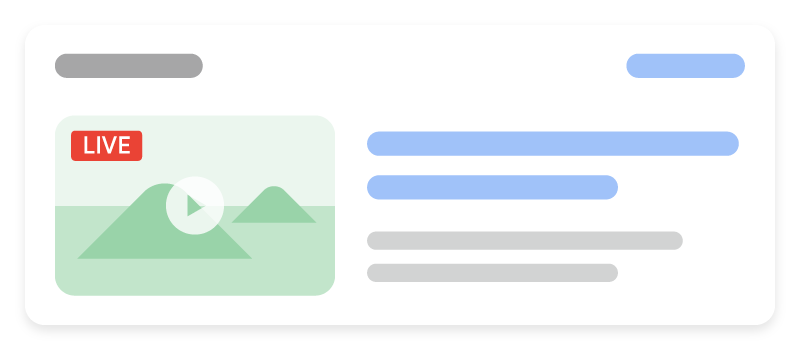 |
Indexing API , чтобы Google просканировал вашу страницу в нужное время.
. Это поддерживается на всех языках, где доступен Поиск Google. Если вы хотите включить главы видео на YouTube, следуйте этим |  |
мета-тег
.
Как добавить структурированные данные.
Структурированные данные — это стандартизированный формат для предоставления информации о странице и классификации её контента. Если вы новичок в структурированных данных, вы можете узнать больше о том,
- как работают структурированные данные Вот обзор того, как создавать, тестировать и публиковать структурированные данные.Добавьте необходимые свойства.
- Узнайте, как генерировать структурированные данные с помощью JavaScript.
- Следуйте
рекомендациям
Проверьте свой код с помощью - инструмента проверки расширенных результатов и исправьте все критические ошибки. Также рассмотрите возможность исправления любых некритических проблем, которые могут быть отмечены в инструменте, так как они могут помочь улучшить качество ваших структурированных данных (однако это не является обязательным для получения расширенных результатов). Разверните несколько страниц, содержащих ваши структурированные данные, и используйте
инструмент проверки URL, чтобы протестировать, как Google видит страницу. Убедитесь, что ваша страница доступна для Google и не заблокирована файлом robots.txt, тегом
noindex. - Примечание
: Дайте время на повторное сканирование и индексацию. Помните, что после публикации страницы может пройти несколько дней, прежде чем Google найдет и просканирует её.Чтобы держать Google в курсе будущих изменений, мы рекомендуем
отправить карту сайта.
. Вы можете автоматизировать это с помощью
Search Console Sitemap API

Примеры Стандартный результат видео.
Как мы это применяем
Video markup unlocks a surface most clients already have content for. Adding duration, thumbnail and upload date to existing video pages is one of the highest-return technical tasks we run.
Связанные услуги